

The new ‘My Sales’ section helps sellers distinguish real results from expectations, keep track of orders and find opportunities to improve sales.
‘Lots of orders!’ – it is nice to hear that from a manager.
‘And how many of them ended in a sale?’ the head of the business asks.
And this is where things get interesting.
Because an order and a sale are not the same thing. A buyer may change their mind, an item may run out, and an attractive offer may never turn into a deal.
So that businesses can see not only incoming orders but also their outcomes, 📈ALSAT has introduced an updated section, ‘My Sales’.
Not ‘sales seem to be going well’, but concrete figures
Sellers can now open their personal account and see in one place:
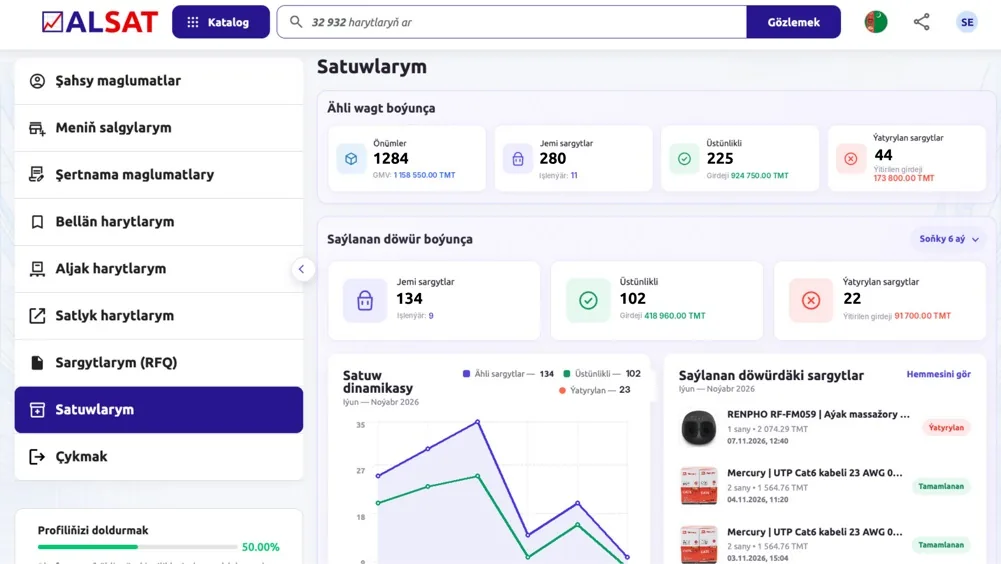
- Products: how many items are listed on 📈ALSAT.
- Orders: how many have been received and how many are still being processed.
- Sales: how many orders have been successfully completed and for what amount.
- Cancellations: how many orders fell through and what their potential value is.
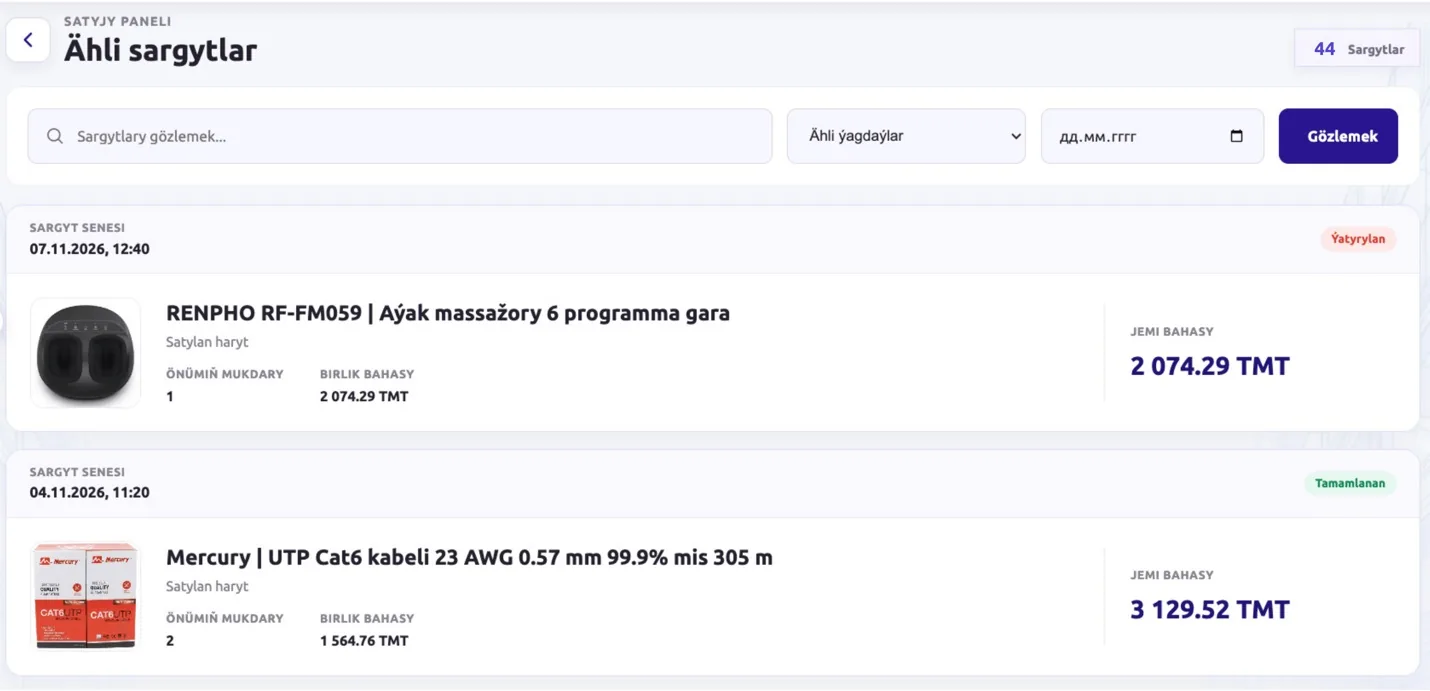
- Trends: how results have changed over the selected period.
Instead of searching for information across different pages, there is a single dashboard with key indicators, order history and a clear chart.
Excel, of course, is not going anywhere. But now it has a little less work to do.
The most interesting figure is not always revenue
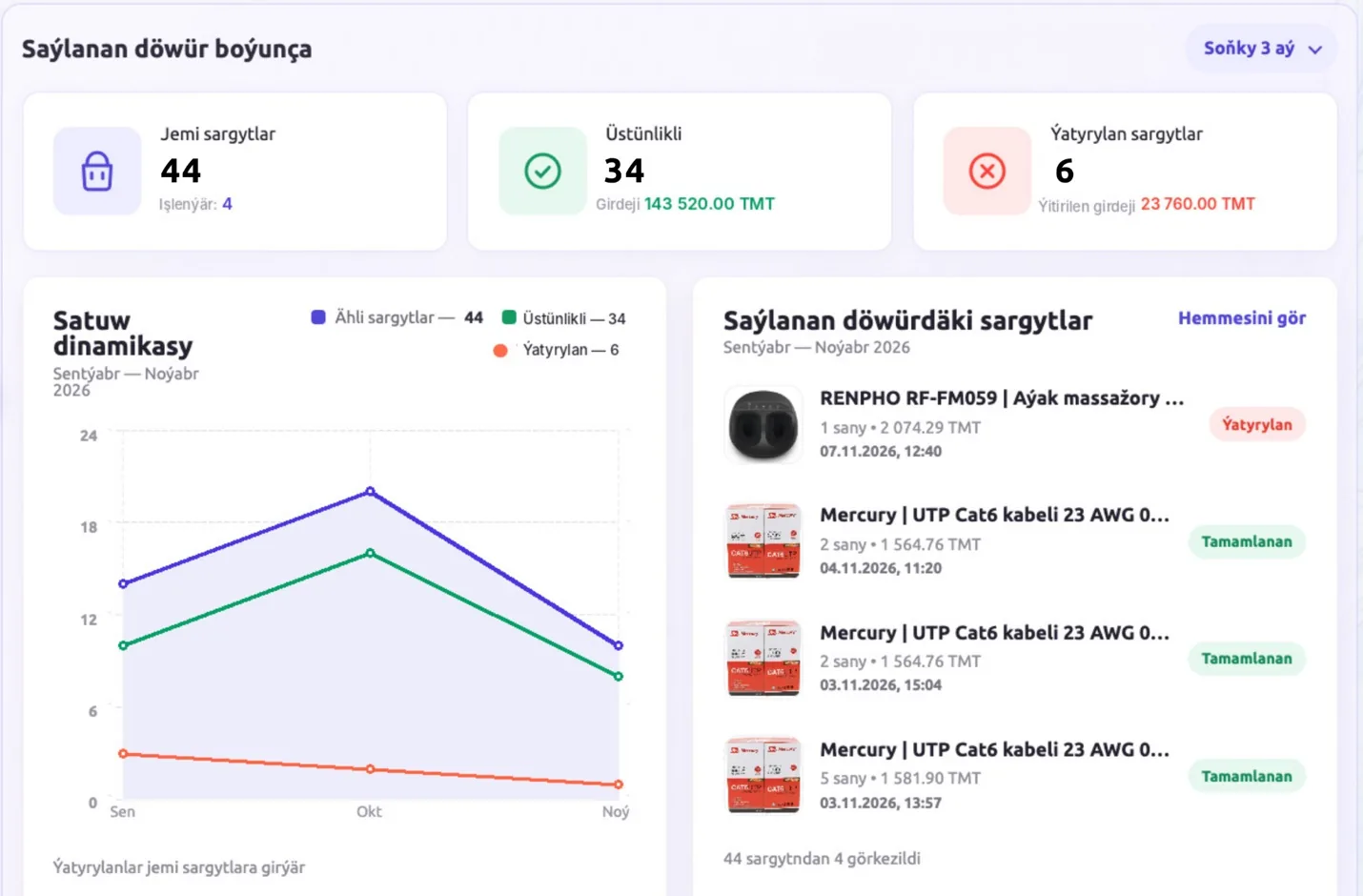
Imagine: orders have increased, but completed sales are almost the same as before.
What happened?
Perhaps popular products sold out. Perhaps prices changed. Or perhaps some buyers never received a reply.
The ‘My Sales’ section lets you see changes and review cancelled orders. And the ‘Lost revenue’ indicator shows the potential value of orders that did not result in a sale.
Important: this is neither an actual loss nor guaranteed money. But it is a good reason to find out why a deal fell through.
The analytics itself will not tell you the reason for each cancellation. But it will help you understand which orders deserve attention.
After all, one failed order is a coincidence. A recurring problem is a question for the sales process.
What should you do with these figures?
Start with three simple steps.
- Check cancelled orders. Find out what prevented the sale: the item being unavailable, the price, the terms or the speed of response.
- Look at successful deals. Which products are being bought? Is there a way to improve the offer for them or to offer good prices on large batches?
- Compare results over different periods. If orders are growing but completed sales are not, it is time to look for the reason rather than simply celebrate the number of requests.
This is not rocket science. It is the habit of making commercial decisions based on facts.
Your products could already be part of this market
As of 6 November 2026, 📈ALSAT features 32 782 active product listings from 133 sellers.
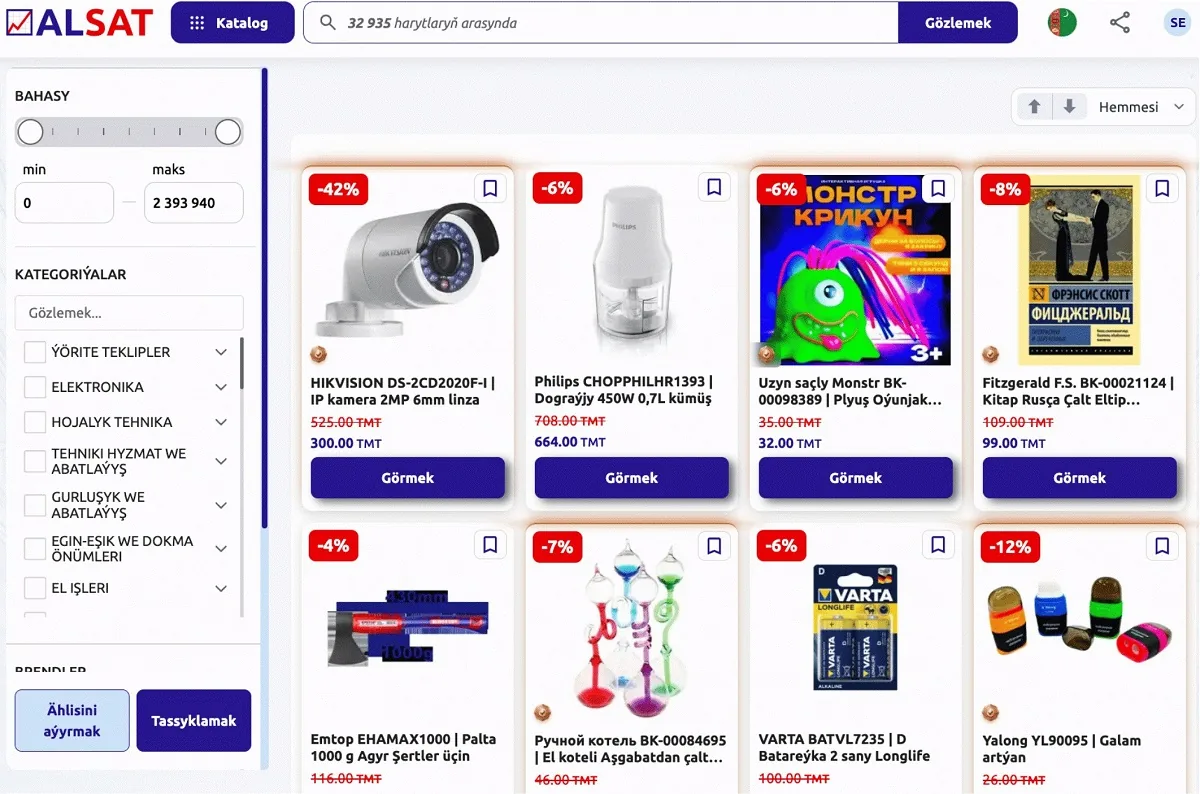
Manufacturers, importers and wholesale suppliers use the platform to make their offers searchable by other companies.
Listing products on 📈ALSAT is free. And the new ‘My Sales’ section helps you track what happens to orders after publication.
But this raises the next question.
It is not enough to know how many products you sell. How do you make sure that more of the right buyers find your offers?
In the next article, we will look at how to use sales information to manage your product range, promote products and find new buyers.
Check what is happening with your sales
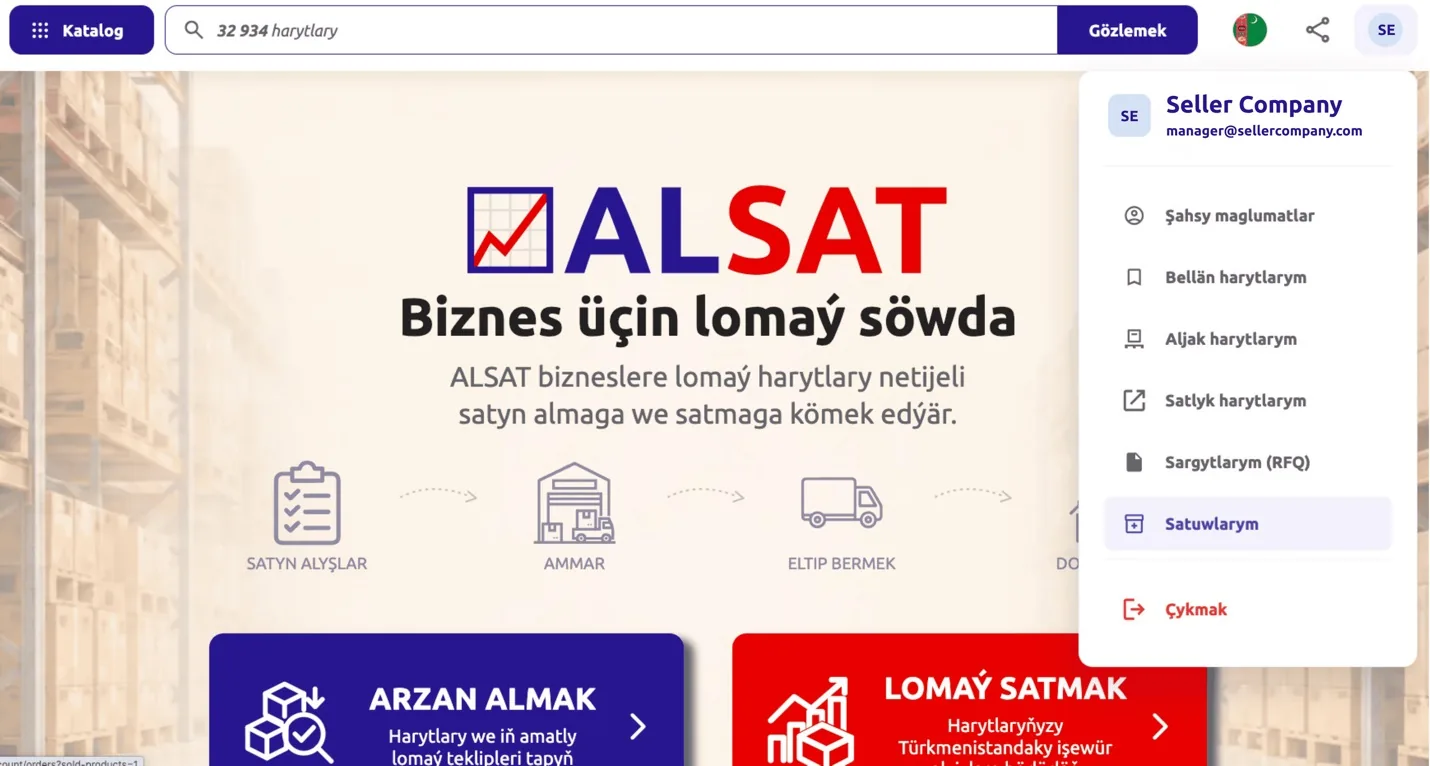
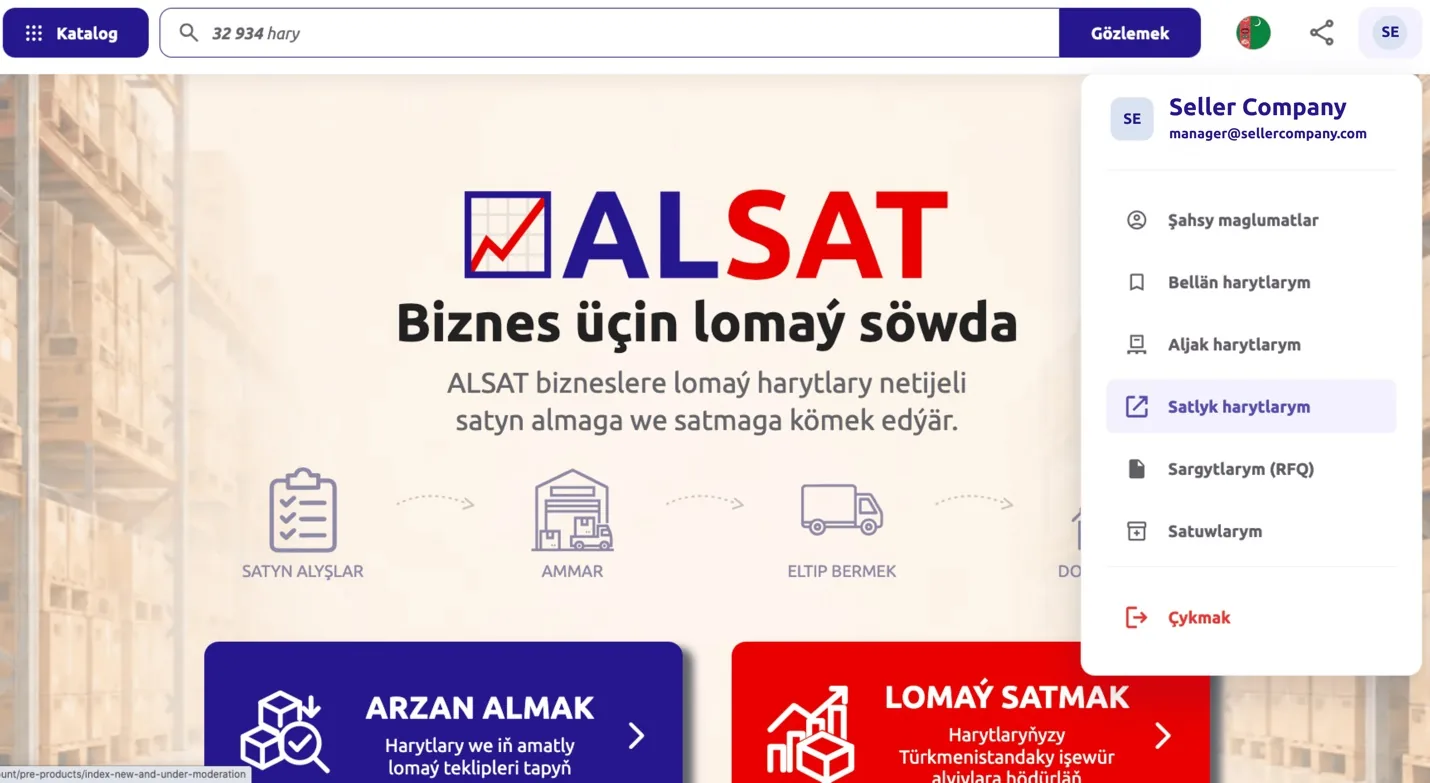
Already selling on 📈ALSAT? Log in to your personal account and open the section ‘My Sales’.
Not selling yet? List your products for free and open an additional sales channel for your business.
📈ALSAT.com.tm – a B2B platform for goods, equipment and business procurement.
📈ALSAT – simple for business.


